Sunlit letterpress blocks, fountain pen and botanical stationery

Fancy Text
Generator

Type once. Preview styles. Copy your favorite.

Give your text a little character.

13 / 500
Your original text stays here.
Bold
Italic
Script
Monospace
Plain text
Your styled text

Styled Unicode characters, not installed fonts. Appearance and accessibility vary by app.

Get the free guide ↓

How it works

A clear result in three steps.

1

Enter your words

Type a word, phrase
or message.
2Aa

Choose a style

Preview the available
Unicode styles.

3

Copy and check

Copy your favorite and
check the result in your app.

Try an example:

Questions, Answered.

Are these downloadable fonts?

These are styled Unicode characters, not installed fonts.

Will every app display them?

Most modern apps display many styles, but support varies by font, device and app. Paste a short test first.

Can styled text affect accessibility?

Yes. Screen readers and search tools may handle these characters differently. Keep essential information in plain text.

Can I copy plain text?

Yes. The Plain text row and Copy plain text buttons preserve your original wording.
Plum letter N and a Nova Notes profile card

✦ PROFILE STYLE STUDIO

One name. Your signature style.

Bring your name, bio and heading together in a profile
style that feels unmistakably yours.

Create my profile style →
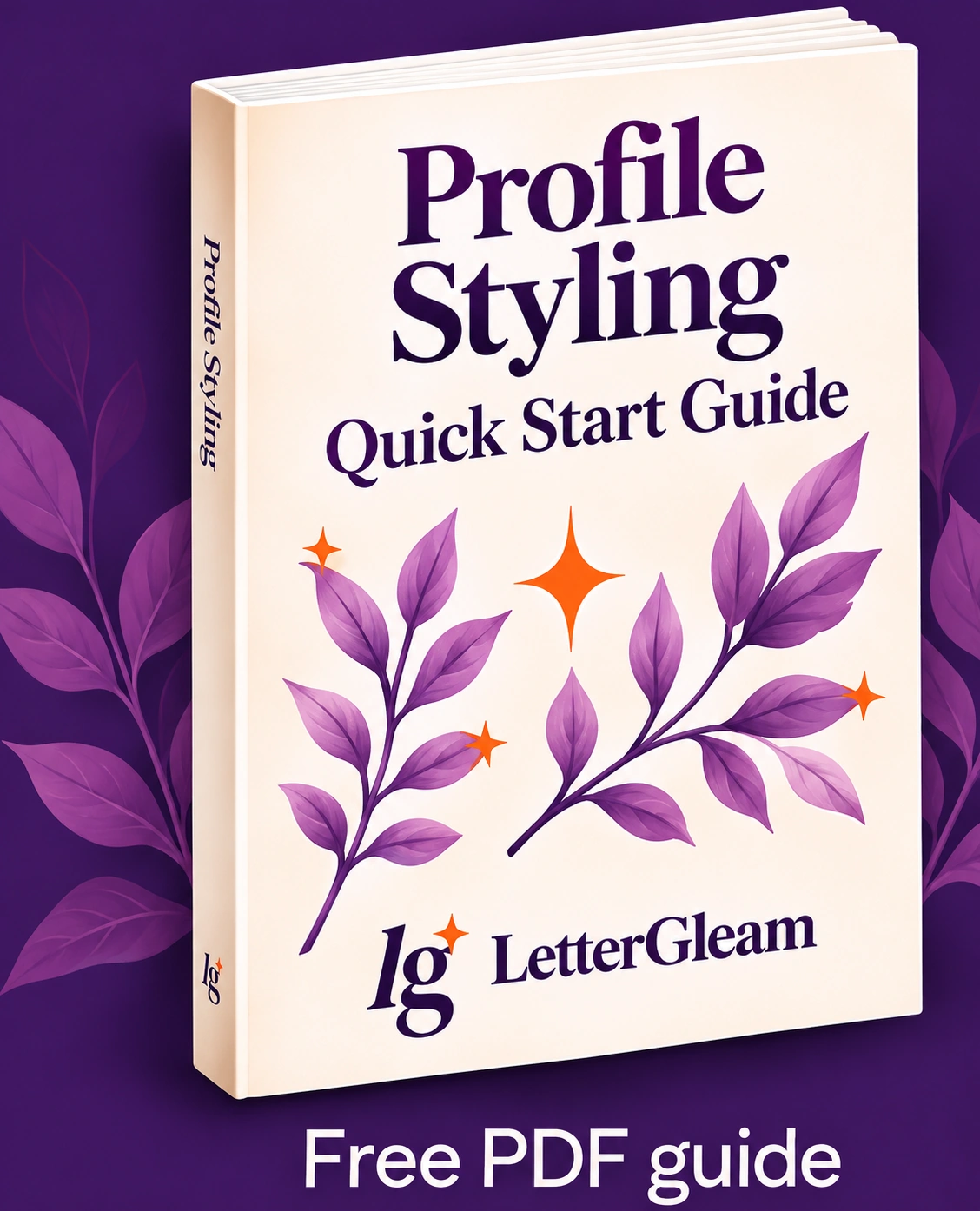
Profile Styling Quick Start Guide by LetterGleam
Free PDF guide

FREE PDF GUIDE

Give your profile
a clear style.

  • Coordinate your name, bio and heading
  • Check readability across apps
  • Keep a plain-text alternative

Email delivery is not connected yet. No address is collected. Privacy Policy

Support LetterGleam

A tip link is not connected yet. Thank you for using and sharing this free tool.